 Ride with Pals
Open registration for group rides and sports events, with no sign-up needed
Any club or event organiser can create a ride or an event in the app and share one link where anyone can join, with or without an account. Free or paid, with the list of participants in Excel.
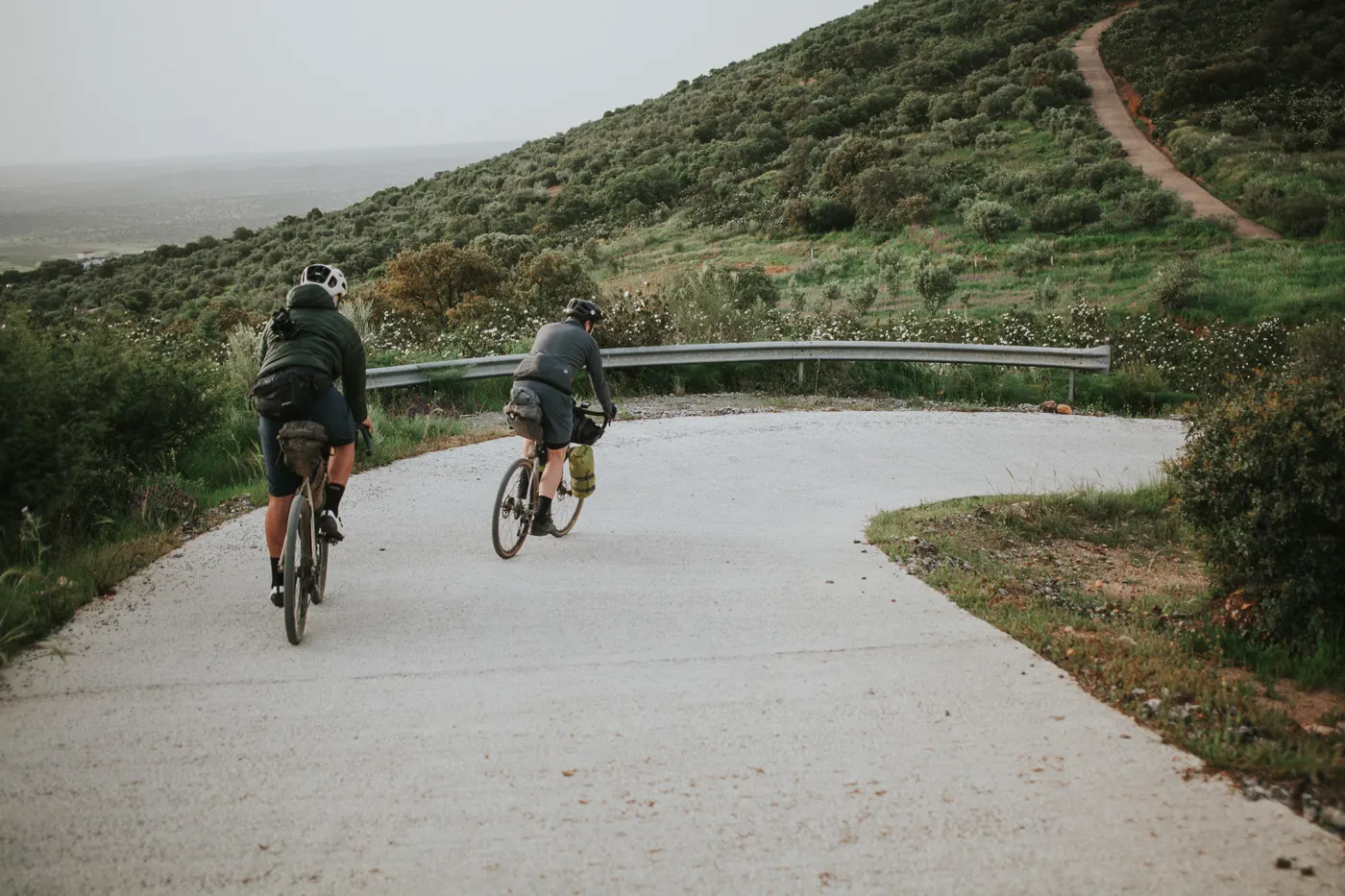
Organising a ride, a sportive or an event usually ends the same way: a form in one place, a WhatsApp group in another, bank transfers to reconcile by hand and a list of participants nobody keeps up to date. With Ride with Pals any club or organiser creates the event in the app and shares a single link. Whoever opens it joins in a minute, even without the app and without creating an account.
Who can organise
- Any cycling, running, triathlon or swimming club that uses Ride with Pals.
- Event organisers, shops, coaches or riding groups: just create a free club (up to 15 members, no card needed) or publish the ride without a club.
- It works for social rides, training sessions, sportives, fun runs, trial days, workshops or any meet-up with a date, time and meeting point.
How to create the event
In the app (iPhone or Android) or on the web, under Rides, the ride is created in three steps:
- Basics: name, sport and discipline, date and time, meeting point and, if you like, the GPX route, which works out the distance on its own.
- Details: elevation, pace, stops and maximum places. With maximum places, once it is full a waiting list appears and, if someone drops out, everyone on the list is notified.
- Options: leaders, support car, terms the participant accepts when joining, a photo or poster of the event and a price if it is paid.
For people outside the club to join, the ride has to be public.
One link to share anywhere
When you publish, the app gives you a link and an image ready for Instagram Stories or WhatsApp. The link opens the event's public page on ridewithpals.com, with the map, meeting point, distance, elevation, places and price.
- If the person has the app, it opens in the app.
- If not, they see the event page in their phone or computer browser and can join from there.
Join with or without an account
The event page offers two options:
- Join with my account: with Google, Apple or email. After signing in, they go straight back to the event.
- Join without an account: it only asks for first name, surname, email and, optionally, phone.
What happens next depends on the type of event:
- Free event: they get an email with a button to confirm their place. The place only counts once confirmed, and the link is valid for 7 days. The web reminds them with a message when they finish.
- Paid event: they go straight to card payment through Stripe and receive the receipt by email. The money goes to the club's Stripe account.
People who join without an account appear in the participants list with the "No app" label. If they later sign in to Ride with Pals with the same email, the label disappears and they keep their rides.
Two kinds of ride do not accept guests without an account, because something in the profile has to be checked: rides only for members with their fee paid, and rides only for women and non-binary people.
The participants list in Excel
The most useful part for the organiser: on the web, inside the ride, in the participants list, the Excel button ("Download participants") downloads the full list of participants.
The Excel includes:
- The name of each participant.
- Everyone's email and phone, whether they have the app or not.
- Whether they use the app or joined without an account.
- Whether they have paid, for paid events.
- The date they joined.
That gives you the list for race numbers, insurance, feed stations or to write to everyone before the event.
For privacy, the email and phone of participants can only be seen and downloaded by the ride's creator, the club owner, administrators and people with full access. Other participants cannot see them.
How much it costs
- Creating free rides and events, and letting people join with or without an account, costs nothing on any plan.
- To charge for registration you need Club Gold (89 € a year with the launch offer, until 31-12-2026) and a connected Stripe account for the club, which is free.
- On each paid registration, Ride with Pals keeps 4 % (VAT included) and Stripe charges its fee, roughly 1.5 % + 0.25 € with standard European cards.
- Members with their fee paid can have a special price.
Frequently asked questions
Does the person joining have to download the app?
No. They can join from the event page in the browser, with their account or without one, with just their name, surname and email.
How do I know who joined without an account?
They appear in the participants list with the "No app" label, and in the participants Excel with their email and phone.
Can I charge for registration?
Yes, with Club Gold and Stripe connected. The participant pays by card when joining and the money goes to the club's account.
Can I limit the number of places?
Yes. You set a maximum and, once it is full, people join the waiting list. If someone drops out, everyone on the list is notified.
Can I organise an event together with another club?
Yes. A ride can be published in several clubs with shared places and a single chat. For paid ones, the payment goes to the organising club.
More details in the Ride with Pals complete guide.